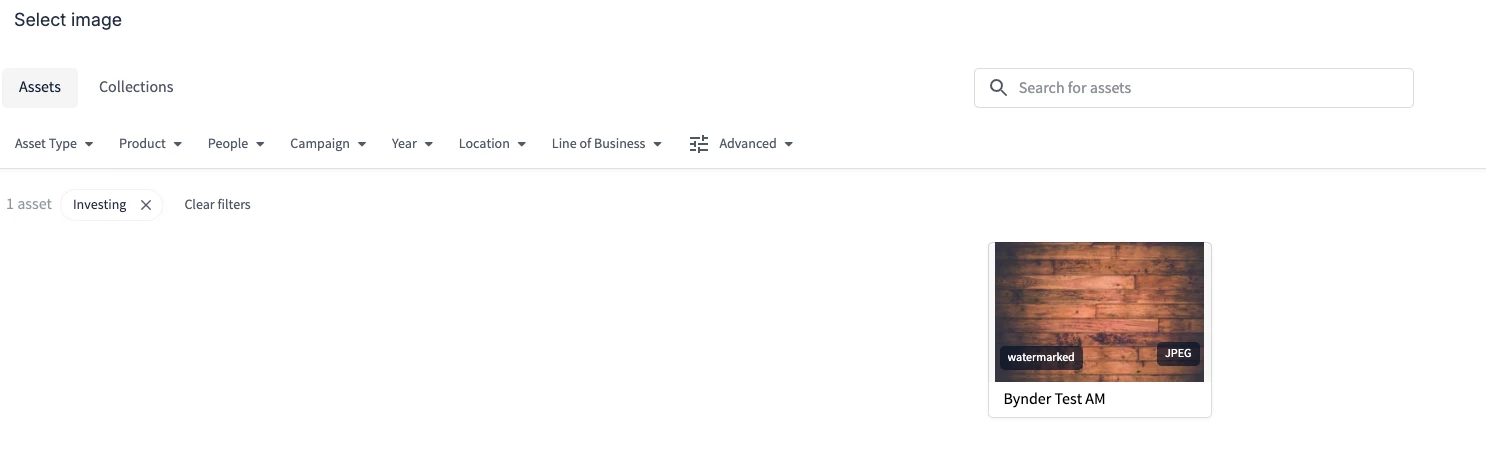
When updating an image in a Studio template the sorting isn’t persistent. For example, if I sort by person and add an image when I go back to change the image to a new one I need to sort for that person again. This lack of memory is pretty unproductive.
Solved
Studio: Persistent Search / Category Terms
Best answer by Marie Lunney
Hey
Use smart filters when you want to dynamically narrow down search results based on metadata, like region, asset type, or campaign. They're ideal for flexible, on-the-fly filtering without predefining a group of assets, and they sit at the top of the asset bank. For example, if you want to work from any images available for public use in France, set up a smart filter for that. Set this up in your DAM first and make sure the underlying metaproperties you're using have the setting 'API field' enabled so they show up in Universal Compact View (UCV) aka the image/asset picker in Studio.
Use collections when you need to group specific assets together. They're static and manually curated, so they're great for a predefined set you'll access repeatedly, like images from your most recent campaign photoshoot that you want to use in Studio.
So for a Studio project: if you're working from a fixed set of assets, build a collection first and pull from it as you go, updating or deleting it once the project's done. If you're working more broadly and want to keep filtering on the fly, a smart filter is the better fit.
Let me know if this helps!






Login to the community
No account yet? Create an account here!
Bynder Employee SSO
Bynder Employee login hereor
Enter your E-mail address. We'll send you an e-mail with instructions to reset your password.