


🔍

DAM Audit Webinar

Learn how to clean, organize, and optimize your DAM portal.

How are you thinking about using AI Agents?

  • November 14, 2025
  • 3 replies
  • 48 views
Ryanne Perry
Community Manager
Forum|alt.badge.img+1

Lately, there’s been a lot of excitement (and questions!) around how AI Agents can actually help teams day-to-day. I wanted to share a simple, practical overview of what they’re designed to do and hopefully spark some discussion around how you’re thinking about using them.

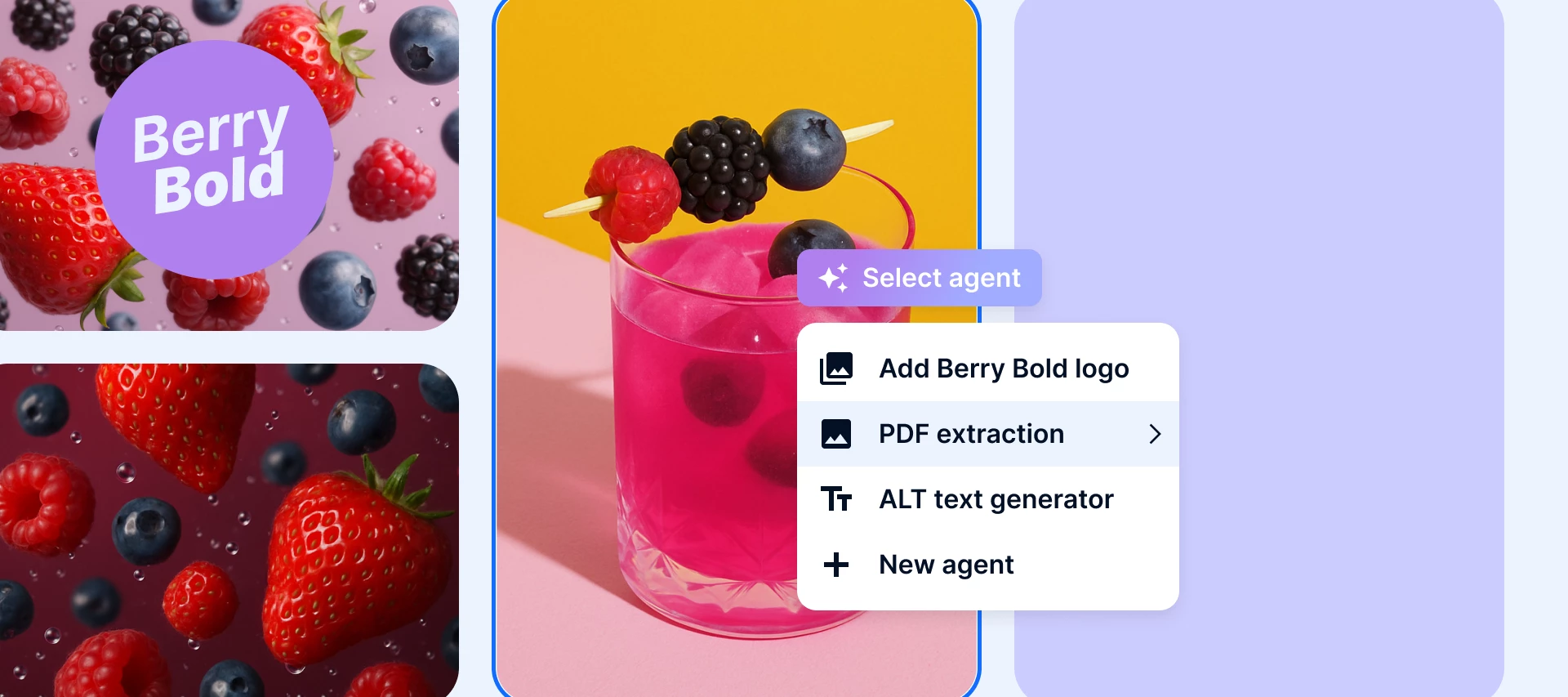
One of the biggest ideas behind the AI Agents platform is customization. Instead of one generic AI that tries to do everything, you can create as many agents as you want, each tailored for very specific needs.

That could be anything from:

  • spotting product materials in packshots
  • checking visuals for regulated content
  • identifying tiny details like dog breeds for tagging
  • or enforcing compliance rules based on your industry
     

If you’re exploring AI Agents, I’d love to hear:

  • What workflows would you love to offload?
  • Are there tagging, compliance, or production tasks that take up most of your time?
  • What would an “ideal Agent” look like for your team?
     

Let’s compare notes and learn from each other, the use cases emerging from the Community are always the most interesting! 👇



3 replies

Dylan W
  • Creator
  • November 17, 2025

We will soon be looking into how Bynder’s AI Agents can help us solve some of the following draining exercises in our workflow:

  • Contouring images so we can serve them on our website with whatever background colour we’d like.
  • Cropping tighter onto the subject of an image or removing white padding that has been added to many of our images to force an aspect ratio required for legacy eCom integrations.
  • Extending backgrounds on images when they aren’t fit for purpose, eg. marketing campaign image that might be portrait that we want to fit landscape on a web banner.

I’m not sure if it’s possible, but I’d also love to see the DAT Remove Background feature work with AI Agents, rather than relying on a clipping path.


Ryanne Perry
Community Manager
Forum|alt.badge.img+1
  • Author
  • Community Manager
  • November 19, 2025

Thank you for sharing ​@Dylan W! Love to hear about your use case to support removing tedious exercises. Also, I checked with the team and they are working on integrating GenAI features into DAT next year to support removing the background. Your insight has been added and I will follow the progress and update you once I have more information on the release. In the meantime, let me know if there are any additional questions you have and I will share any updates as they arise.


Dylan W
  • Creator
  • November 19, 2025

Amazing ​@Ryanne Perry! Also, another use case popped across my desk since this post, where a team would like to embed price points onto images; that’s getting into some pretty complex territory for DAT, but would be an amazing piece of tech. Currently I am considering the creation of a batch of default price points that can be applied via the image overlay feature, bit clunky but a nice work around for now.